🎬
Best Laptops for Video Editing & Content Creation
Video editing demands a specific combination: a color-accurate display for grading, fast multi-core CPU for rendering, a discrete GPU for hardware-accelerated encoding, and enough RAM to handle high-resolution timelines without dropped frames. Our display and productivity scores combined give the best signal for video editing performance.
What to look for
Prioritize a display with 100% DCI-P3 color gamut coverage and factory calibration — OLED panels naturally satisfy this. For CPU, multi-core performance matters most (Ryzen 9, Core Ultra 9, or Apple M4 Pro). NVIDIA GPUs with NVENC hardware encoder offer the fastest export times in Premiere Pro and DaVinci Resolve. 32GB RAM minimum for 4K workflows; 64GB if you edit multiple streams.
12 laptops ranked
See all
View Details
OLEDTBSD
79

Enthusiast
Intel Core i9-14900HX
RTX 4080
32GB · 1000GB
16″ OLED 240Hz
Gaming100
Display88
Value60
$2,999
View Details
OLEDTBSD
77
Enthusiast
Intel Core i9-14900HX
RTX 4090
32GB · 2000GB
16″ OLED 240Hz
Gaming100
Display88
Value54
$3,499
View Details
OLED
76

Intel Core Ultra 9 275HX
RTX 5070 Ti
64GB · 2048GB
16″ OLED 240Hz
Gaming90
Display88
Value83
$2,465
View Details
OLED
76
Intel Core Ultra 9 275HX
RTX 5070 Ti
64GB · 2048GB
16″ OLED 240Hz
Gaming90
Display88
Value85
$2,380
View Details
OLEDTBSD
75
AMD Ryzen AI 9 365
RTX 5070
32GB · 1000GB
16″ OLED 240Hz
Gaming88
Display88
Value44
$2,799
View Details
OLEDTBSD
75
Enthusiast
Intel Core i9-14900HX
RTX 4070
16GB · 1000GB
16″ OLED 240Hz
Gaming84
Display88
Value62
$2,499
View Details
OLED
72
Performance
Intel Core Ultra 7 255HX
RTX 5060
32GB · 2048GB
16″ OLED 240Hz
Gaming76
Display88
Value62
$2,184
View Details
OLEDTBSD
72
Performance
AMD Ryzen AI 9 365
RTX 5060
16GB · 1000GB
16″ OLED 240Hz
Gaming72
Display88
Value45
$2,399
View Details
OLEDTBSD
72
Performance
AMD Ryzen AI 7 450
RTX 5060
32GB · 1024GB
16″ OLED 240Hz
Gaming74
Display88
Value53
$2,080
View Details
OLED
69
Performance
Intel Core Ultra 7 255HX
RTX 5060
32GB · 2048GB
16″ OLED 240Hz
Gaming76
Display88
Value63
$2,142
View Details
OLED
68
Performance
Intel Core Ultra 7 255HX
RTX 5060
32GB · 2048GB
16″ OLED 240Hz
Gaming76
Display88
Value60
$2,260
View Details
OLED
73
Performance
AMD Ryzen 7
RTX 5060
32GB · 1024GB
15.3″ OLED 165Hz
Gaming74
Display85
Value73
$1,530
Best Laptops for Video Editing — Specifications Summary
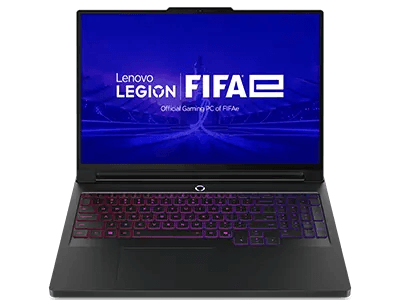
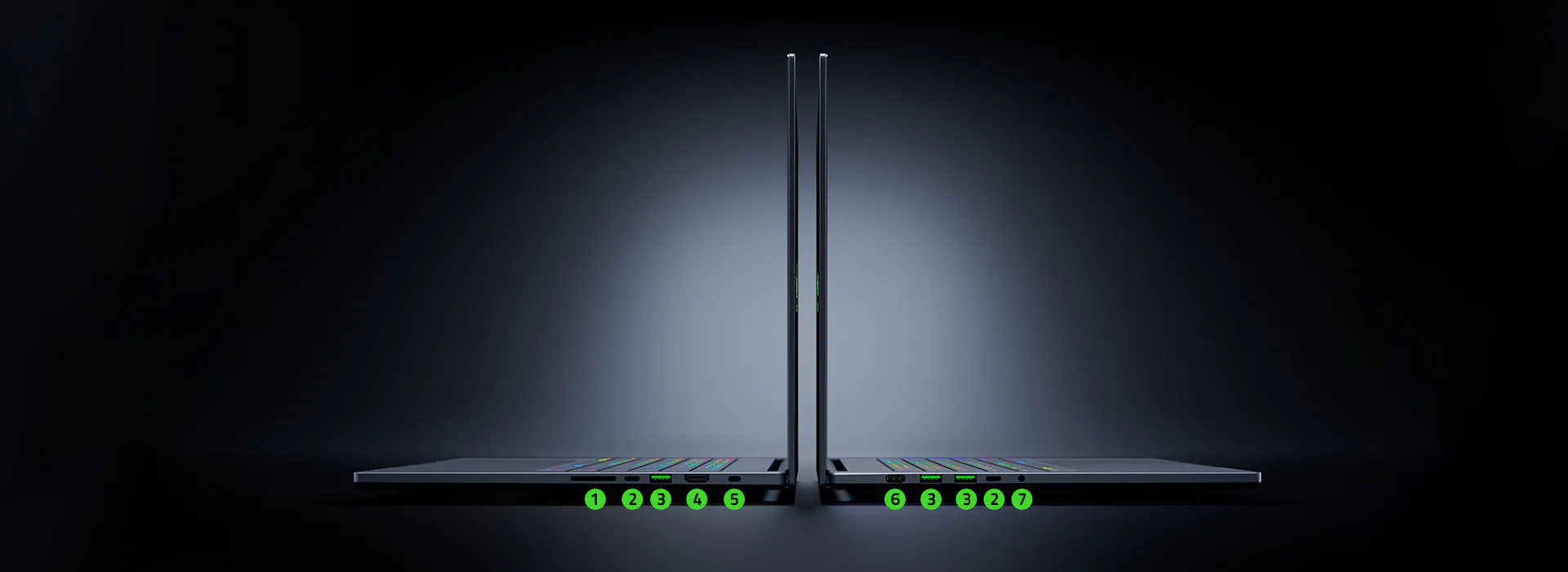
- #1: Razer Razer Blade 16 (2024, RTX 4080) — CPU: Intel Core i9-14900HX. GPU: NVIDIA GeForce RTX 4080 Laptop GPU. RAM: 32GB. Storage: 1000GB. Price: $2999. Overall Score: 79/100.
- #2: Razer Razer Blade 16 (2024, RTX 4090) — CPU: Intel Core i9-14900HX. GPU: NVIDIA GeForce RTX 4090 Laptop GPU. RAM: 32GB. Storage: 2000GB. Price: $3499. Overall Score: 77/100.
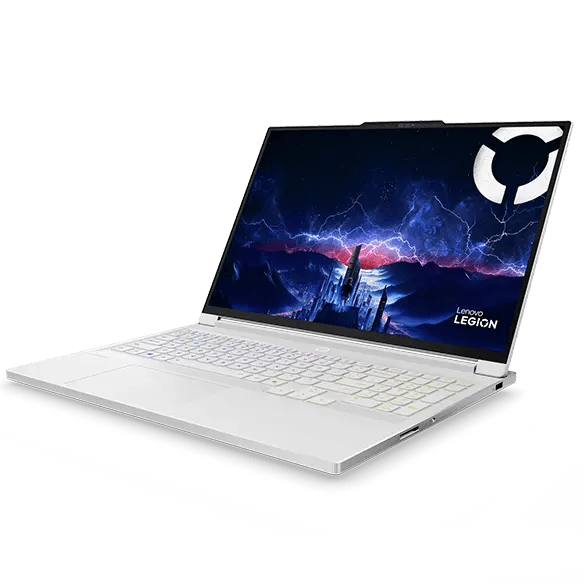
- #3: Lenovo Legion Pro 7i Gen 10 Intel (16") with up to RTX 5090 — CPU: Intel Core Ultra 9 275HX. GPU: NVIDIA GeForce RTX 5070 Ti Laptop GPU. RAM: 64GB. Storage: 2048GB. Price: $2465. Overall Score: 76/100.
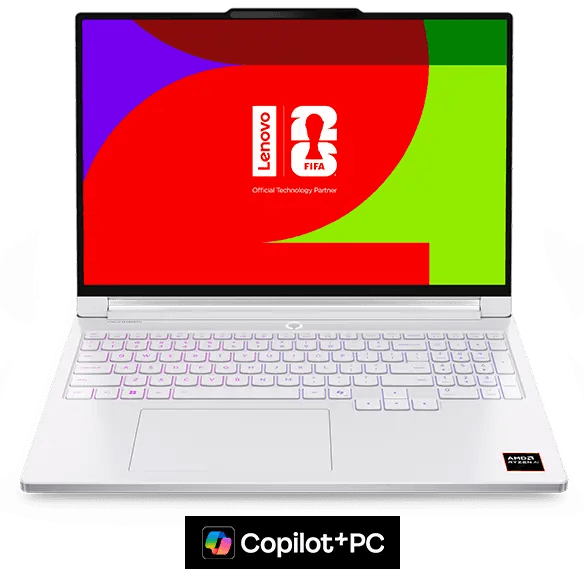
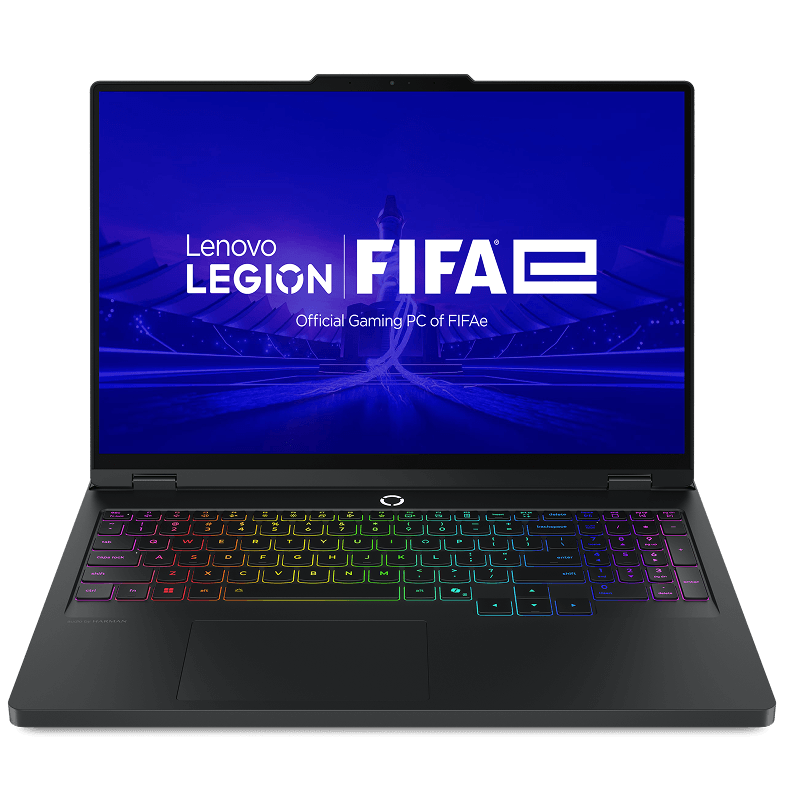
- #4: Lenovo Legion Pro 7i Gen 10 Intel (16") with RTX™ 5070 Ti (FIFA World Cup 26™ Edition) — CPU: Intel Core Ultra 9 275HX. GPU: NVIDIA GeForce RTX 5070 Ti Laptop GPU. RAM: 64GB. Storage: 2048GB. Price: $2380. Overall Score: 76/100.
- #5: Razer Razer Blade 16 (2025, RTX 5070) — CPU: AMD Ryzen AI 9 365. GPU: NVIDIA GeForce RTX 5070 Laptop GPU. RAM: 32GB. Storage: 1000GB. Price: $2799. Overall Score: 75/100.
Frequently Asked Questions
What laptop is best for video editing?
The best video editing laptops combine color-accurate displays (OLED or 100% DCI-P3 IPS), fast multi-core CPUs, dedicated GPUs with hardware encoding support, and 32GB+ RAM. Apple MacBook Pro with M4 Pro and high-end Windows workstations with RTX 4070/4080 are top picks.
How much RAM do I need for video editing?
32GB RAM is the minimum for professional 4K video editing. For 8K workflows, multicam editing, or running effects-heavy timelines, 64GB is recommended. RAM speed also matters — DDR5 6000MHz+ significantly accelerates rendering tasks.
Do I need a dedicated GPU for video editing?
Yes, a dedicated GPU significantly accelerates video editing through hardware-accelerated encoding (NVENC on NVIDIA, VCN on AMD). This reduces render and export times by 3–10x compared to CPU-only rendering. At minimum, aim for an RTX 4060 for 4K editing.
Explore more categories